


Background
Clarity holds every client record from every HMIS participating agency in Orange County. Please review this article to discover/review how to look up a client's record.
Searching for a Client Record
Step 1: Click the Clients icon in the primary navigation menu.

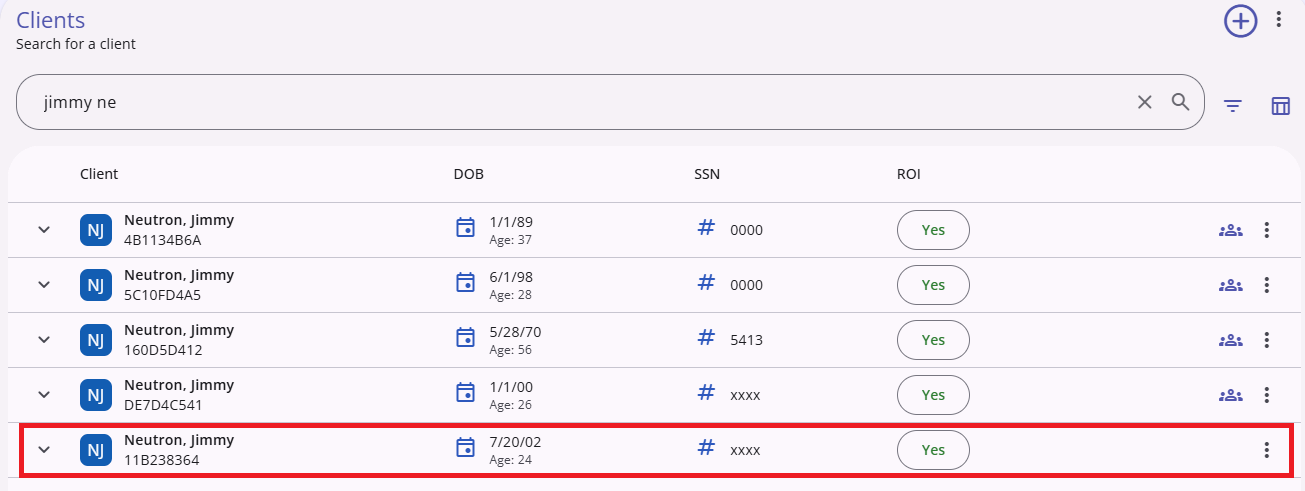
Step 2: In the search bar, enter their first or last name by using either their full name or with the first three letters of the First Name and Last Name.
You can also search by the following:
- Full Unique Identifier
- Full Social Security Number (SSN) or last 4 digits of SSN
- Date of Birth (e.g. 12/12/1985, 12.12.1985, 12-12-1985)
- Year of birth (e.g. 1985)
Note: It is important to be thorough when searching for a client in HMIS so that duplicated records of the same client are not created in the system.

As you begin typing your search criteria, the system will automatically search the database and display potential clients that match your criteria.
Step 3: When auto-suggest locates a client that matches the search criteria, click on the record to locate the client’s profile.
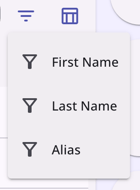
You can filter your search by clicking on the filter icon to the right of the search bar.

The filter options are: First Name, Last Name, Alias.
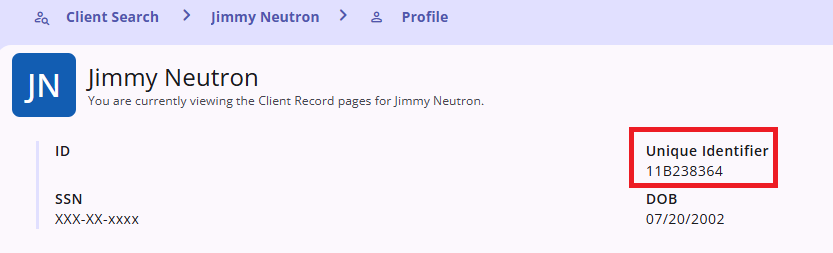
Search by Unique Identifier
Every client created in Clarity is issued a Unique Identifier which is 9 characters in length. You can see the Unique Identifier under the clients name in the Client Record Page
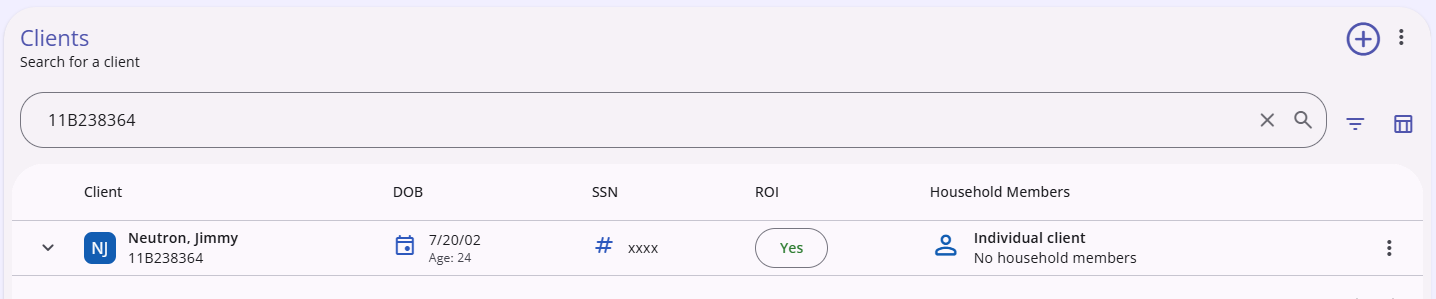
If you are searching for a client that was created in Clarity, you can enter the 9 digit Unique Identifier in the search bar. This will take you directly to the Client’s profile screen, bypassing the search through the auto-suggest list
Additional Search Options
An additional search option is available by clicking on the search icon on the top right of the screen. This option is available throughout the new Clarity interface and functions like the Client Search Page.
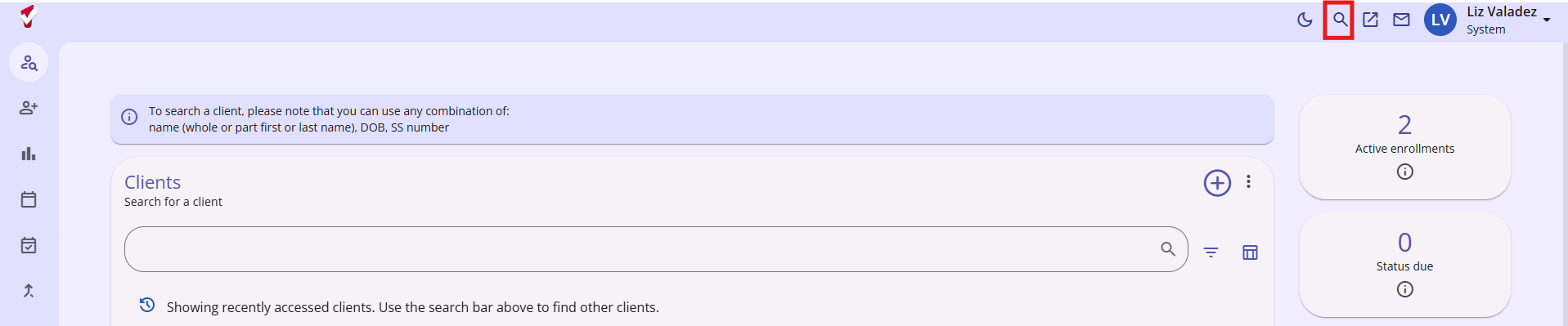
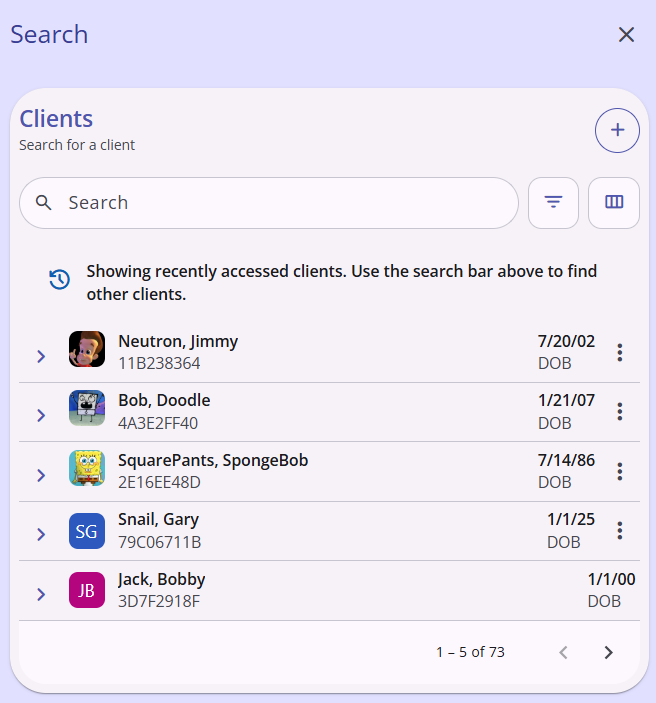
A new window will appear after clicking the search icon with recently accessed clients, filter options, a column selector, and an add (+) icon to add a new client.
For more information, visit Clarity’s Knowledge Base article on How to search for a client.

